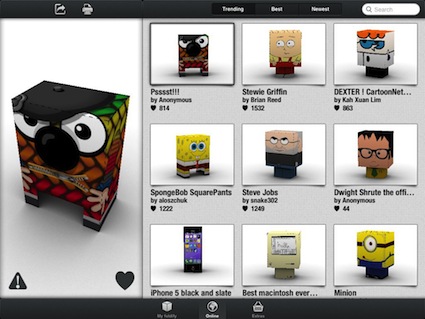
Foldify on the iPad – now with paper hearts and 5 other new templates! Remember Foldify? We talked about it back before the end-of-the-year holidays. The iPad app has a variety of templates...
Ban.jo comes to the iPad – what is going on around you and around the world! So many choices to share a person’s thoughts, ideas, places visited and photos of what matters. We aren’t talking...
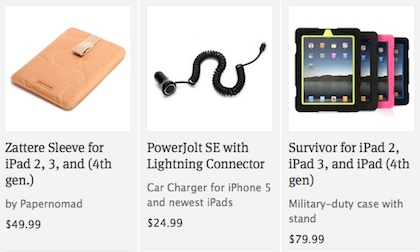
20% off toys for your iPad, serious and fun, sale good till Feb 8th! An email came in Friday from Griffin Technology just as we were wrapping up the work day. It was...
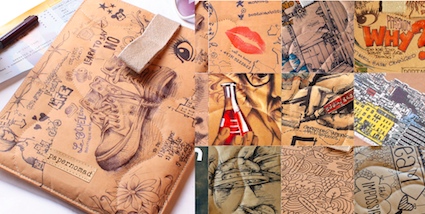
The biodegradable protective iPad sleeve you can draw on It’s from Griffin Technologies, It’s called the Papernomad, and it’s “An amazing, and patented, paper composite that has plastic’s...
An artist in the family wants to paint or draw using the iPad We have covered many different iPad drawing and painting apps here. As well, the ever expanding list of stylus...
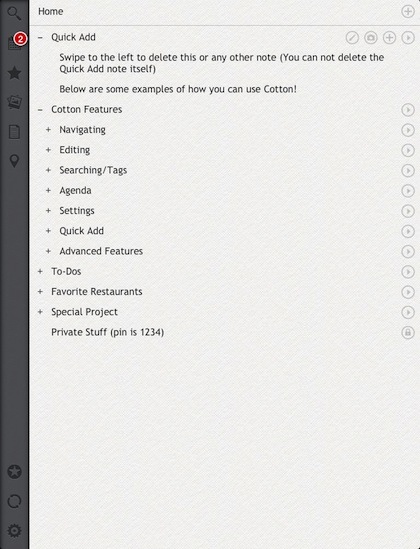
Complete control over hierarchical notes, tasks and photos on the iPad Not many ToDo apps let a person have sub tasks under the main item. This power is usually more...
Applying a different background to a face photo with Green Screen Studio for the iPad The TV weather person has a contently changing background. The local sky, numbers, radar, and a map of the...
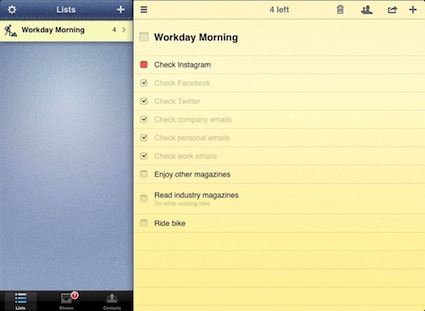
Pocket Lists comes to the iPad, simple looking interface can be deceiving This is one of those tough to get your head around posts. There has always been many choices in...