iGo With My iPad

Using our iPads – At work, at home and at play

Browsing Posts tagged adjusting images

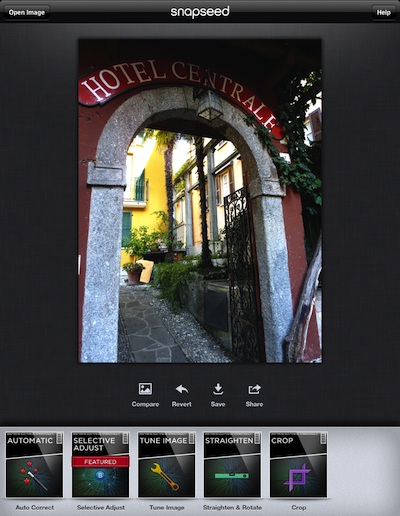
As photo editing on the iPad become more popular, the many options have chosen different ways of how a user performs their edits. Some attempt to replicate their desktop counterparts, others have creative rethink of working quickly with a few swipes and pinches. An app we have been playing with for over a week is [...]

Share

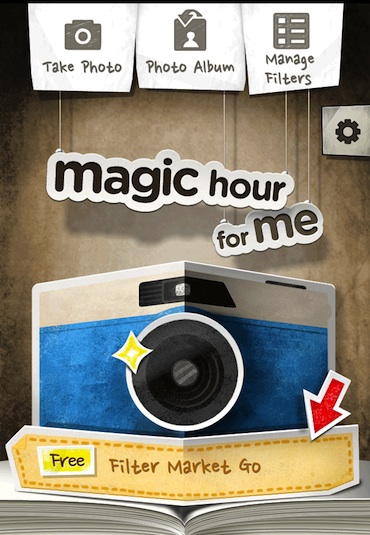
If you use Instagram, Camera+, or many other photos apps, you are familiar with being able to apply ‘filters’ to your photographs on your iPad and iPhone. Some apps have as few as 5 filters, others with 20 or 30. You select your photo, choose a filter from their list, apply and review the outcome. [...]

Share

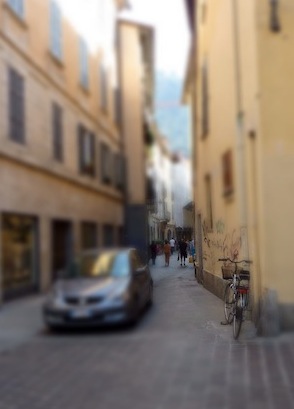
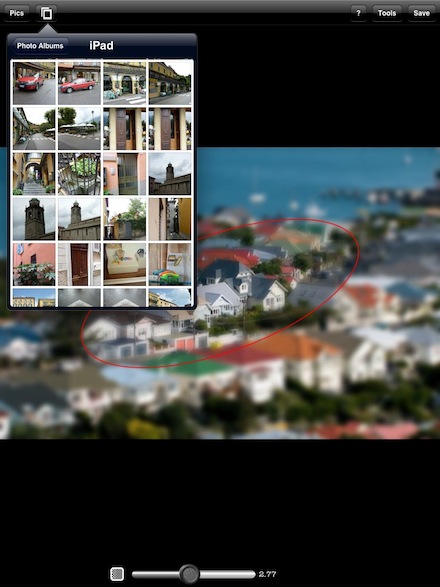
TiltShift is an effect we have mentioned we use from time to time to make a image take a unique ‘miniturized’ look. By keeping an area ‘in focus’ and blurring the surrounding area, a viewer’s mind fills in that they must be looking at a little screen of toys in toyland. Most often for us, [...]

Share

We have long edited photos on the iPhone. Even though the screen is on the smaller size to do much, you will be amazed at the image editor selection available. Now, with the larger size screen of the iPad, it is much easier to see what your doing without zooming in and out. One fun [...]

Share

Art is in the eye of the beholder… and some creations are much more obviously ‘art’ than others. Many people when they really start thinking about using a iPad all day, every day. They wonder what they can actually do with their finger on the screen. There is a keyboard for text, and you can [...]

Share

Music doesn’t care about screen size but your pictures sure do. iPhoto on a Mac is very easy to use for collecting images and doing light edits. You wont be doing much fine detail adjustments with your mouse like you will be able to do with your finger directly on the image. The photo application [...]

Share