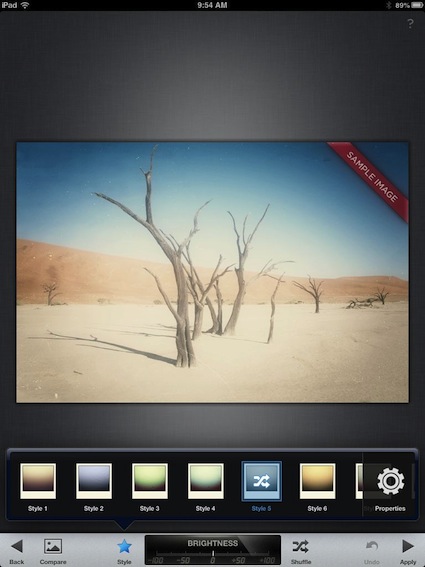
Google releases updated photo enhancement app SnapSeed, Free with new filters too We have talked about the photo enhancement Universal app SnapSeed before. The free photo tuning app offers the features...
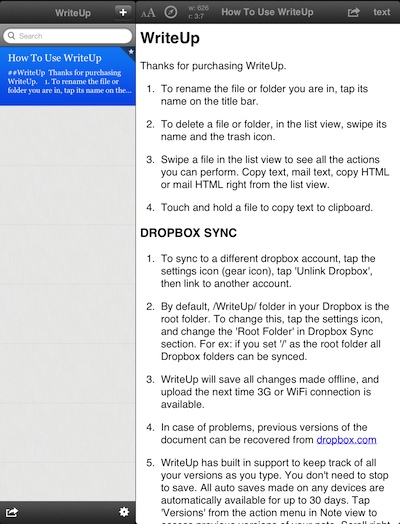
WriteUp on the iPad stays easy and quick to use but still full of features There are a lot of writing apps for the iPad. Many are over the top light on features, which...
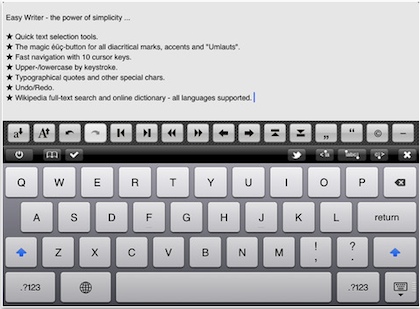
Clean and Simple iPad writing app, 1a Easy Writer, Free for limited time We have covered many quick writing apps over the last year. They all have their claim to fame. Some...
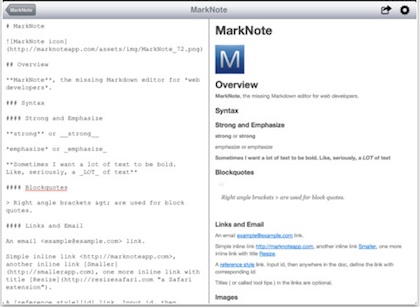
Creating MarkDown Documents on the iPad, for the beginner to advanced writers More and more writing is needing to be done in a clean environment. There are very few documents that...
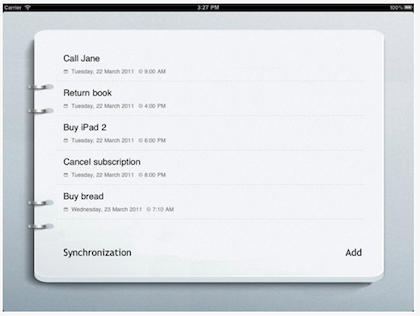
Free, Simple Task Manager for the iPad syncs through Dropbox with Free Mac App The title of this post says it all. SmallTask, a very simple, nice looking, free app… now syncs with...
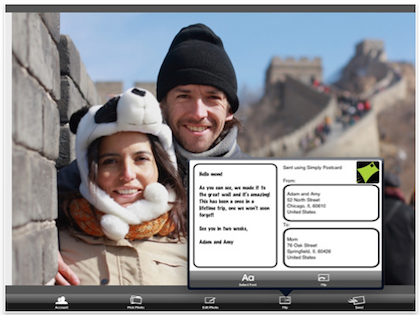
Postagram now does mail postcards from our iPad photos We mentioned Postagram allowing us to print/mail postcards from our Instagram library. The ‘just out’ update now allows us...
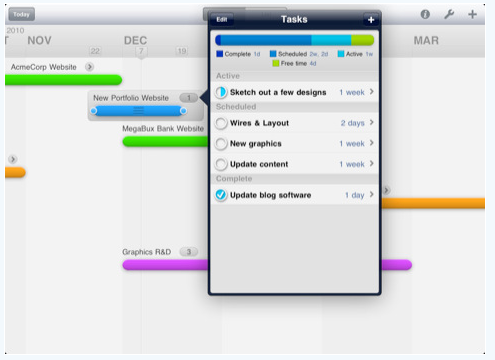
Project layout and timing made easy on the iPad In our day-to-day work, we have to track many projects at a time. The often used tool on the...