iGo With My iPad

Using our iPads – At work, at home and at play

Browsing Posts tagged ipad handwritten notes

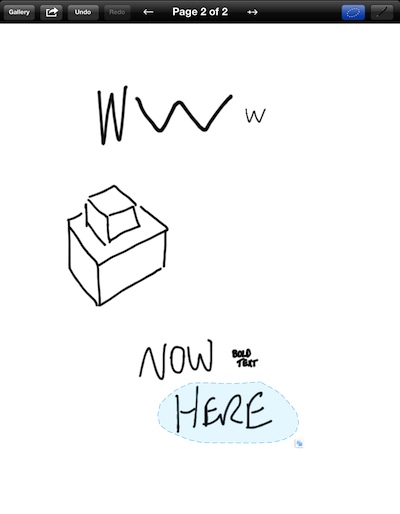
After using an iPad for a while, do you find yourself tapping on the physical whiteboard to move text from where you wrote it to another place? It isn’t like you can move handwriting around the screen on the iPad like you can with typed text documents. Well, actually you can move drawings and handwritten [...]

Share

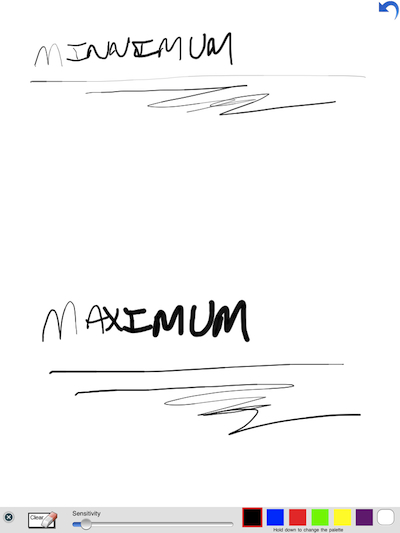
A few facts we know… the iPad screen does not know how hard your pressing on the screen. There are a few options coming that are based on high frequency audio or bluetooth for feedback from how hard the pen is being pressed on the screen, but it’s the pen that is saying how hard [...]

Share

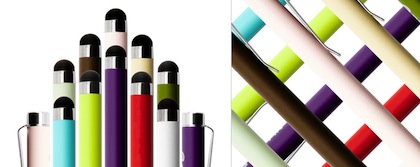
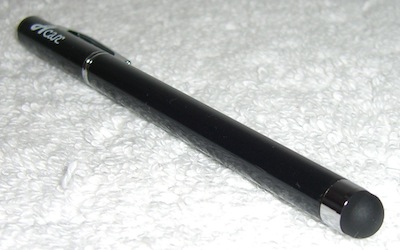
We have long been fans of using a stylus with our iPads. It helps when jotting down notes in our handwriting using apps like Penultimate, NoteTaker and PhatPad. A stylus smooths out the lines with using a paint or drawing app too. One we have mentioned a couple times is a handy stylus from Griffin. [...]

Share

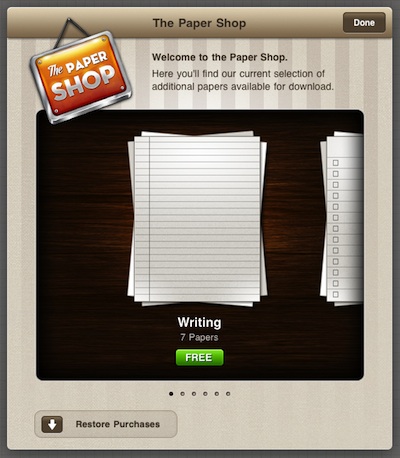
We mentioned that Penultimate is now offering different background papers for their iPad notebooks for purchase. Many of us jumped right in and are now writing away on our iPads in boxes and along lines. The latest news from the Penultimate is that the lined paper pack is now FREE! Just open one of your [...]

Share

Not everyone in the meeting has a iPad. Some come to the meeting with… pads of paper and pens. OK, we admit it, many of us iPad owners still use paper too. That said, we need a iPad stylus for handwritten notes and sketches, as well a ball point pen for writing on paper. Both [...]

Share

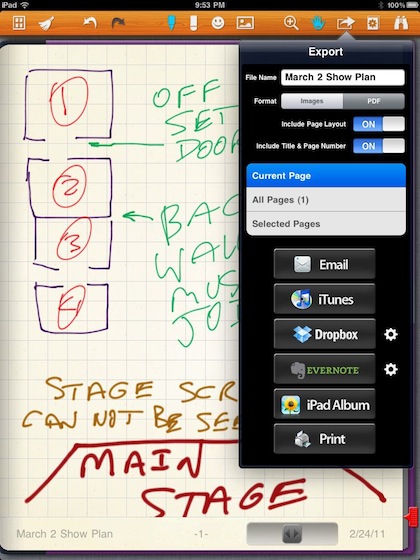
Handwritten notes and sketches created on the iPad can be done with a very large collection of apps. Some make it easy to choose color pens, others have a variety of types of writing devices or brushes for drawing and painting. We have covered a few on the site here that we are using. Emailing [...]

Share